Install and Request iPad Apps
To search for and request or install a currently deployed iOS app, start by opening the Self-Service app located on the Home screen. It will look similar to the image below but will be labeled as Self-Service or Self-Service+.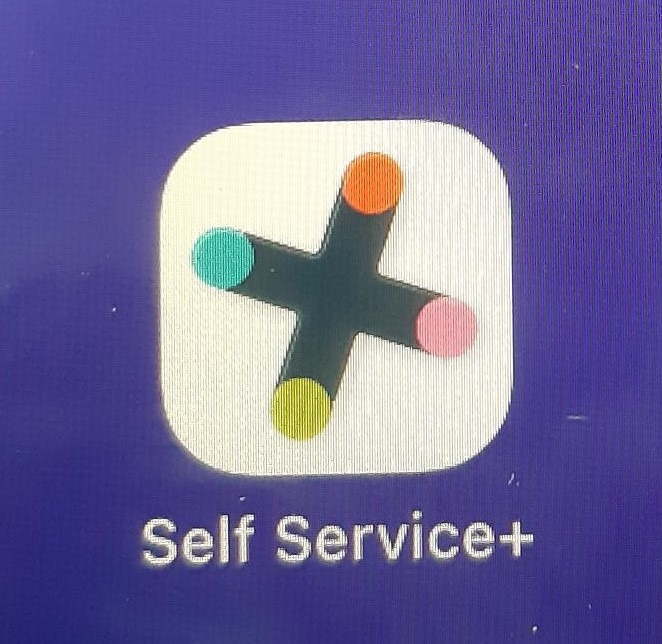
When the app opens it will take you directly to the Browse section that will list all currently added apps. From there you can click Install to install or reinstall an app.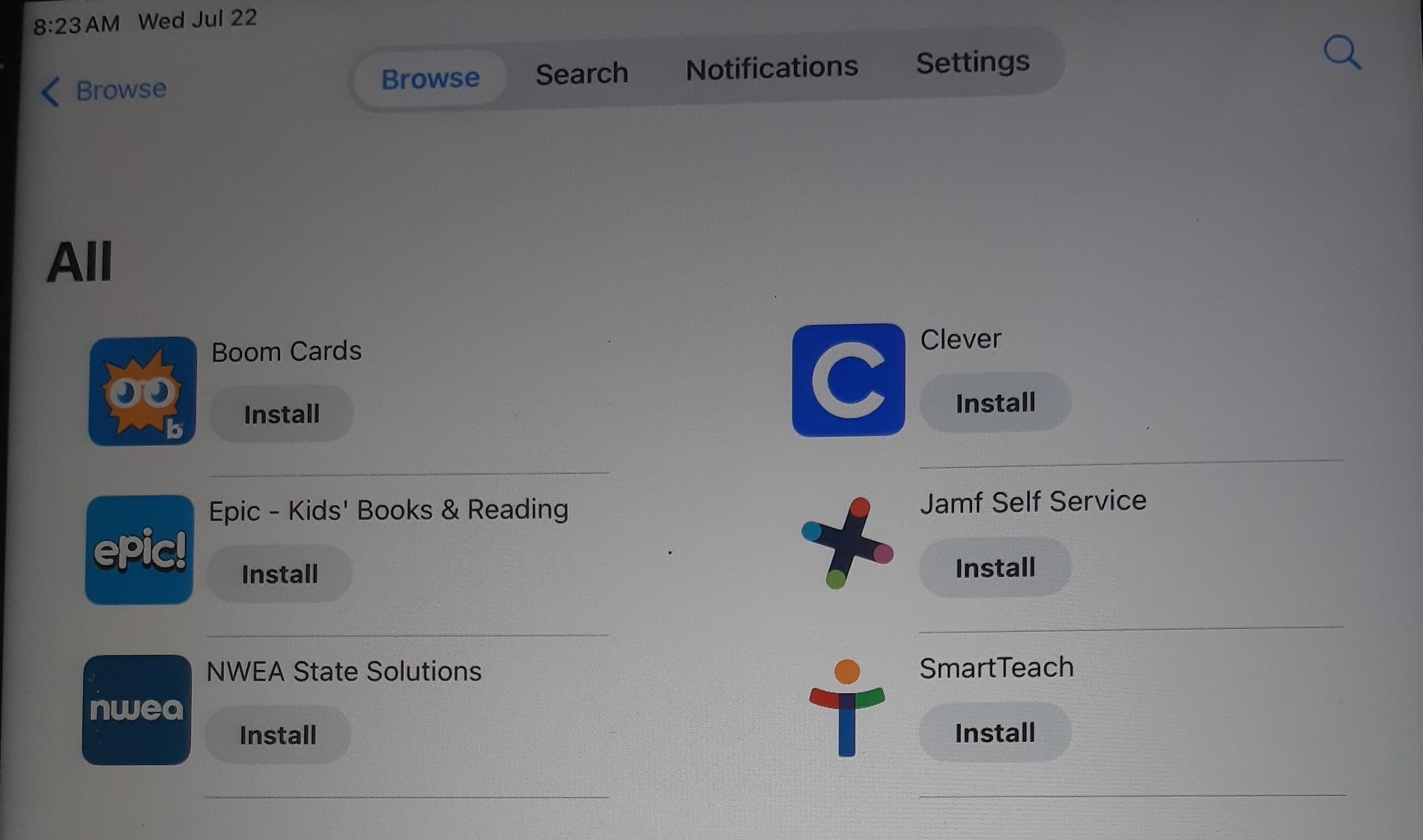
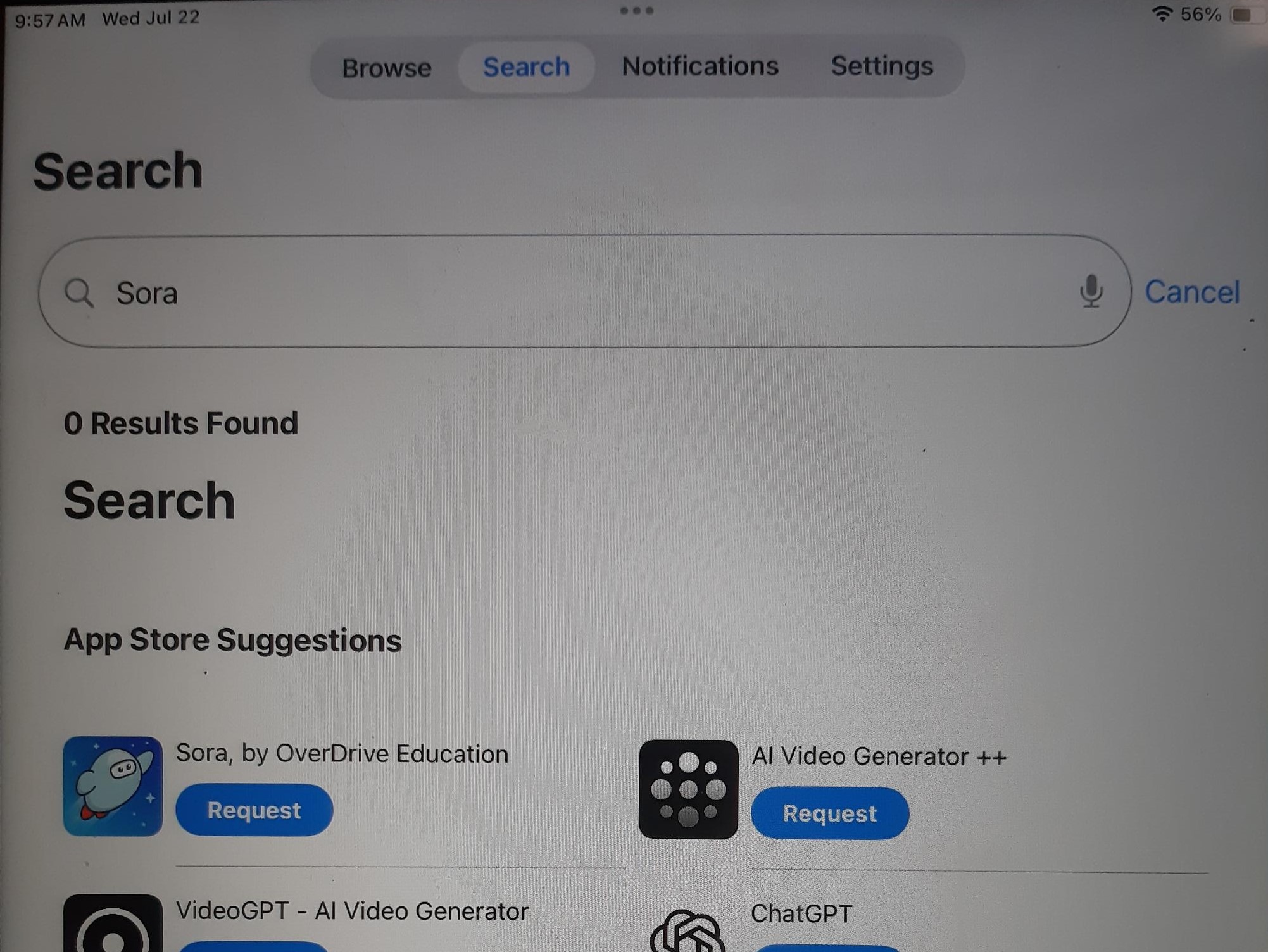
To search the Apple Appstore and request an app, click on Search at the top (or bottom on older iOS models) and type in the app you’d like to search. You can then click on Request and an email will be sent regarding the app request for us to review and deploy. Once deployed it will show up in the Self-Service app waiting to be installed. You can also send in a Helpdesk ticket with an app request.